Warm Transfer: Take Control of Your Business Calls With AI
Warm transfer lets you decide, in real time, which calls deserve your attention and which should be handled by your AI receptionist. Used well, it protects your focus, keeps clients happy, and stops revenue from slipping through the cracks.
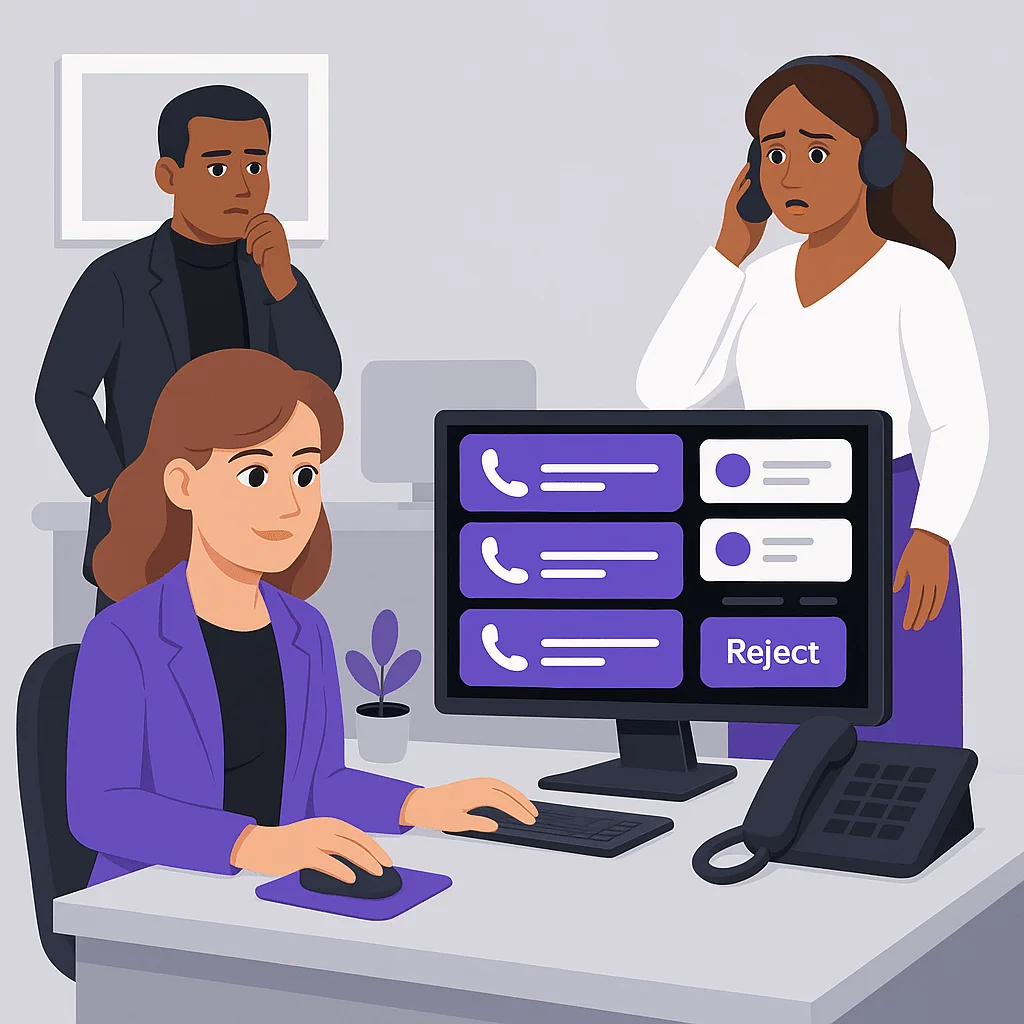
Warm Transfer: Take Control of Your Business Calls With AI
Imagine you're in the middle of a procedure, client meeting, or property showing when your phone lights up. Is it a no‑show, a new lead, or just another sales pitch? Warm transfer is how you stop guessing and start controlling every call.
What "warm transfer" actually means
With warm transfer, an AI receptionist answers the call first, qualifies the request, then decides whether to:
- Handle the entire interaction (FAQ, booking, reschedule).
- Offer to transfer the call to you or a team member.
- Take a detailed message and schedule a follow‑up.
You see the context before you say "hello". No cold surprises, no wasted minutes.
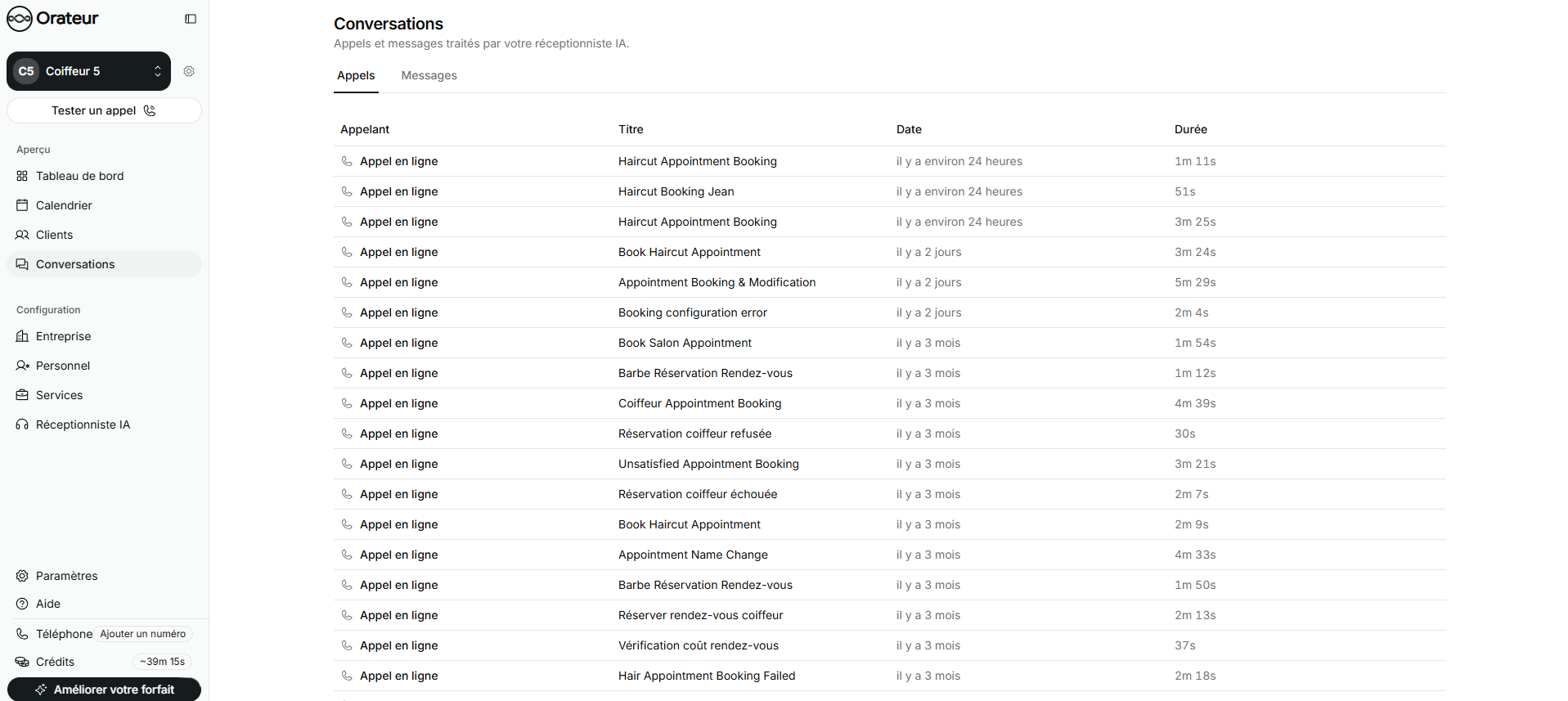
On Orateur, that context shows up as a conversation preview: caller name or number, intent ("new patient consult", "urgent plumbing issue"), and the AI's notes.
Why this matters in healthcare, legal, and services
Warm transfer isn't a luxury for small businesses, it's a filter that protects time and revenue.
- Healthcare: Let Orateur handle routine questions and appointment changes, then warm transfer only genuine clinical urgencies or VIP patients. See the healthcare use case.
- Legal: Qualify callers before they reach you. The AI can collect case type, deadlines, and conflict details. You accept only high‑value or time‑sensitive matters. More on the legal use case.
- Home services & real estate: Prioritize emergencies and hot leads, while automated scheduling fills your calendar in the background. See home services and real estate.
The result: fewer interruptions, faster response to critical calls, and no missed opportunities.
Configuring warm transfer on Orateur
A powerful warm transfer flow starts in your settings, not on the phone.
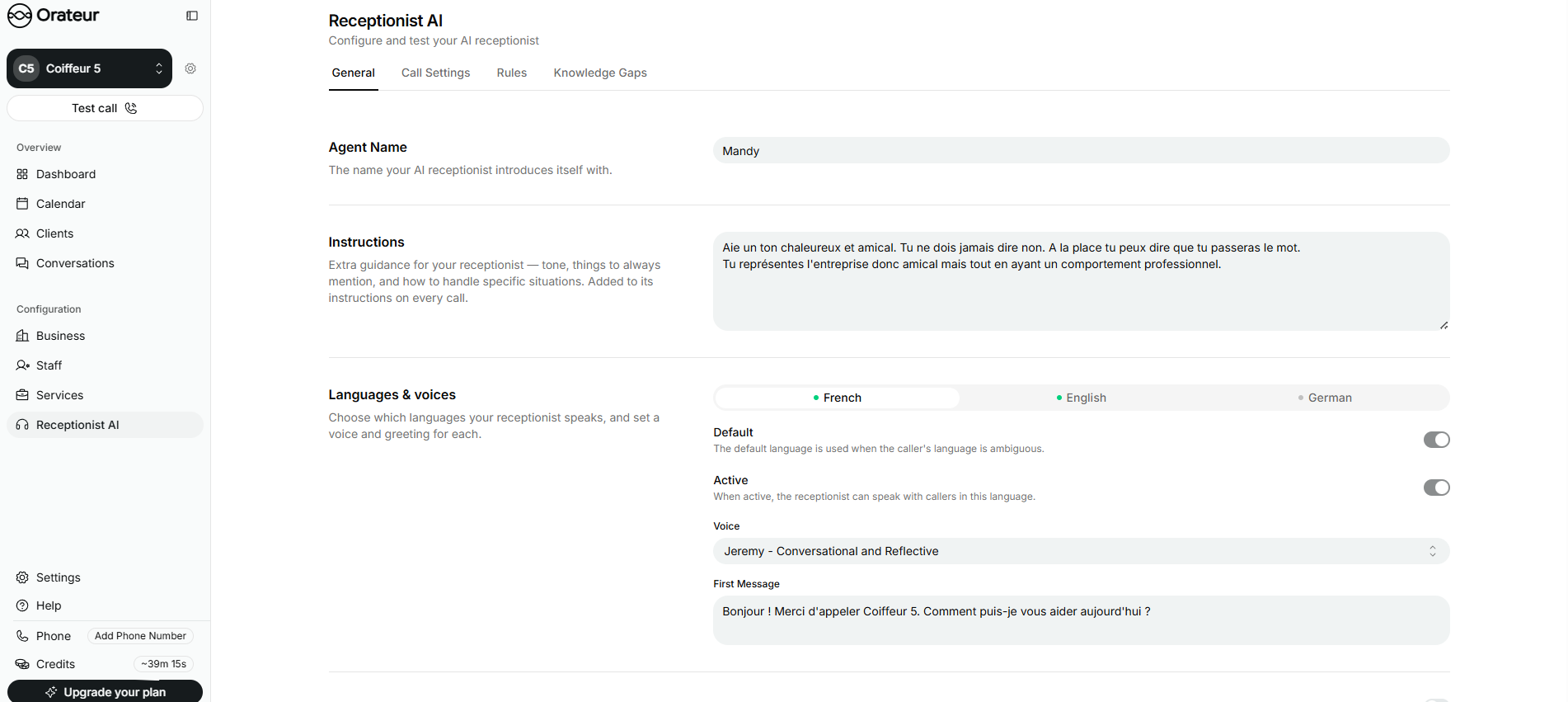
On the Orateur features page, warm transfer is part of a broader call handling toolkit. In practice you:
- Define escalation rules: e.g. "If call is tagged as 'new patient' during office hours, offer transfer to front desk".
- Choose availability: specify when you're reachable and when the AI should default to message plus online booking.
- Customize tone and greeting: match your brand so callers feel like they spoke to your receptionist, not a generic bot.
- Integrate calendars: connect Orateur so it can offer appointments when you decline a transfer.
Protect focus without hurting client experience
Warm transfer balances two metrics that usually fight each other: deep work time and responsiveness.
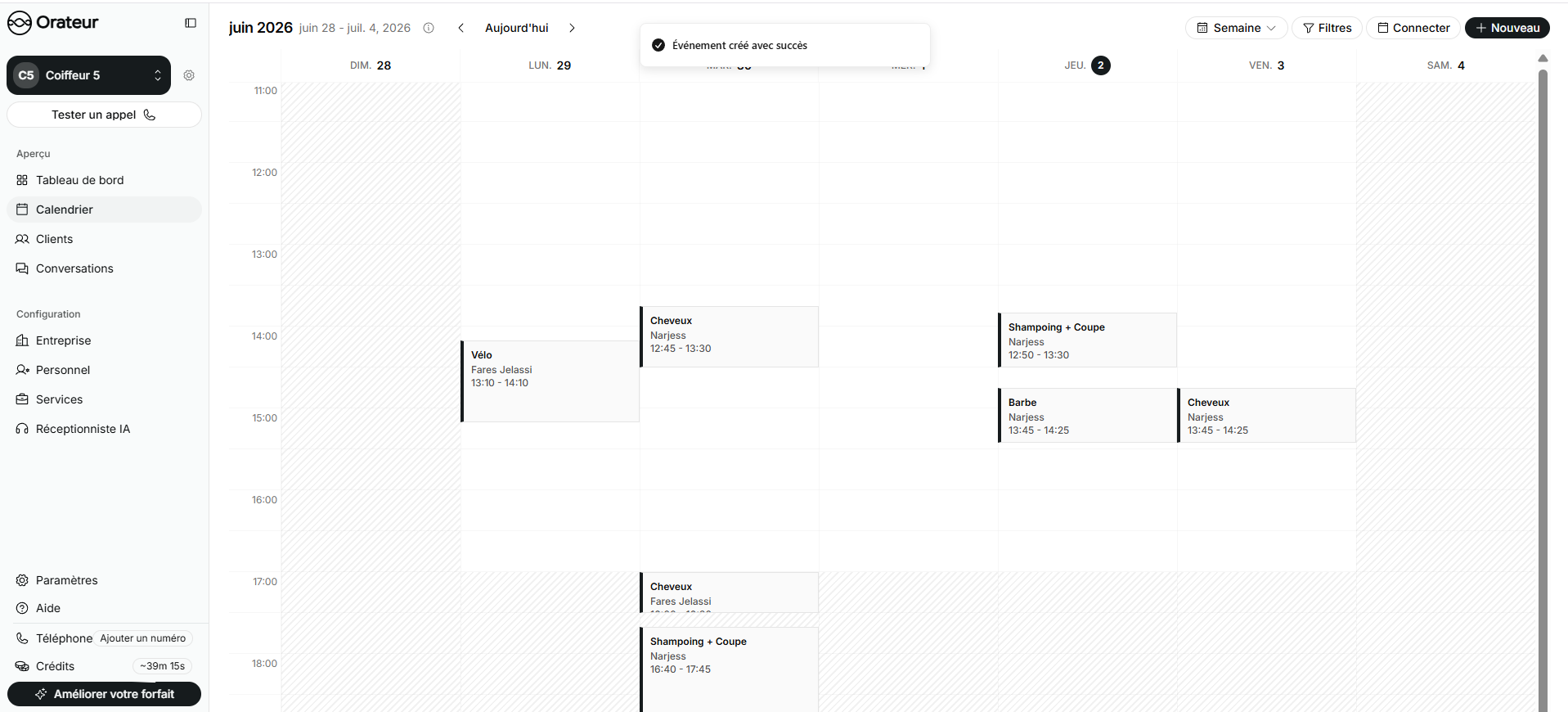
Because Orateur is available 24/7 and tied to your calendar, callers always get:
- A human‑like greeting.
- A relevant resolution (answer, transfer, or confirmed booking).
- A clear next step if you're unavailable.
You regain control of your day, your staff avoid constant context‑switching, and your callers feel heard instead of bounced to voicemail.
Warm transfer used to require a trained human receptionist. Now it's a configurable setting, backed by industry‑specific AI that grows with your business and costs far less than another full‑time hire.
If you’re ready to choose which calls reach you and which get handled automatically, explore Orateur’s pricing and set up your first warm transfer flow.